

Accounting Integrations
What If Approved Invoices Posted Directly to Accounting?
Eliminate duplicate entry by automatically exporting approved invoices to your accounting system. NxtEdge connects AP workflows with accounting to improve accuracy, reduce manual work, and accelerate month-end processes.
Whether your accounting platform supports APIs, imported files, FTP transfers or emailed exports, NxtEdge adapts to the workflow your accounting team already uses.
- Eliminate Duplicate Data Entry
- Multiple Integration Methods
- Export Approved Invoices Automatically
- Connect Purchasing, AP & Accounting
Accounting-Ready Invoice Data
Approved • Coded • Exported

From Invoice to Accounting
Move coded, approved invoice data into your accounting system without duplicate entry — using the integration method that fits your environment.
Receive
Receive & Process Invoices
Invoices enter NxtEdge through OCR, EDI, email, uploads, or Fintech integrations.
Code
Code & Approve
Invoices are coded automatically, reviewed, and routed through approval workflows.
Export
Export to Accounting
Approved invoices are exported to your accounting system using the integration method that works best for your environment.
Reconcile
Reconcile & Report
Accounting receives clean, coded data while operations maintain visibility into purchasing, approvals, and spending.
Why NxtEdge
We Adapt To Your Accounting System
Every accounting department operates differently.
- Some systems support APIs.
- Some require imported files.
- Some use FTP transfers.
- Some rely on emailed exports.
NxtEdge supports multiple integration methods, allowing you to automate accounting workflows without changing your existing accounting processes.
Key Capabilities
Clean, Coded Data Into Your Accounting System
Invoice Export Automation
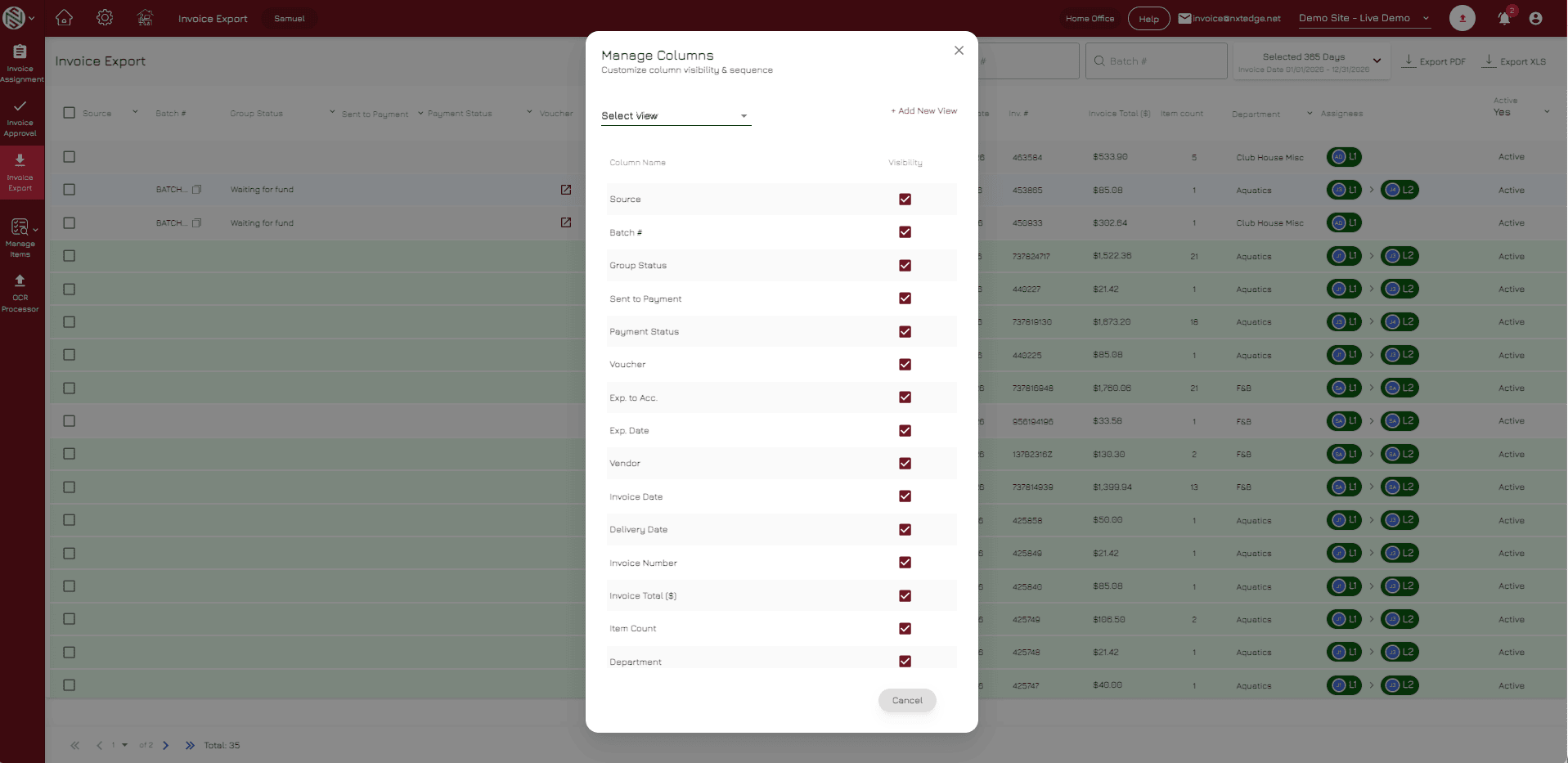
Automated Invoice Exports
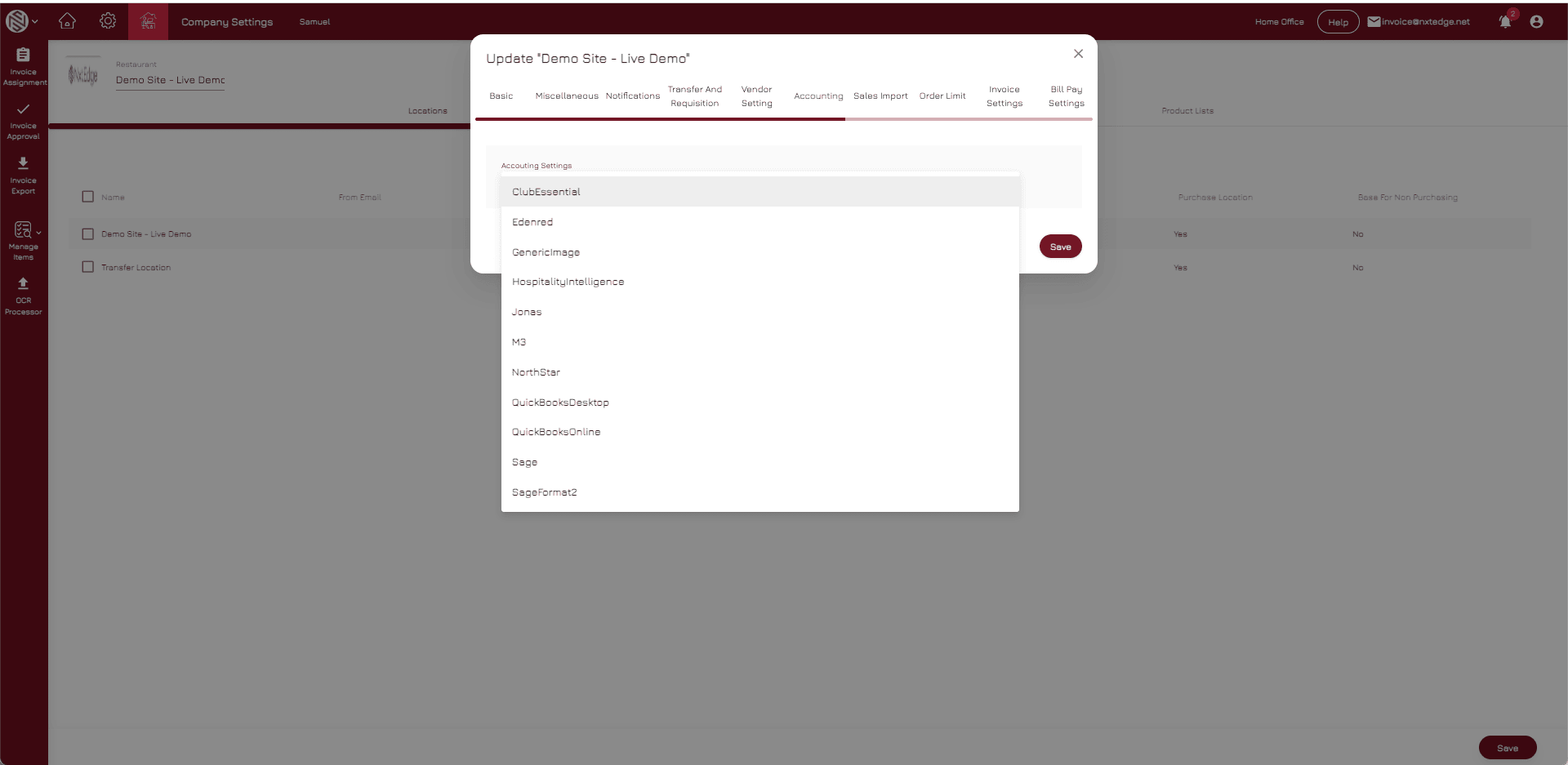
Push approved invoices into your accounting system with full GL coding, department and location detail, and multi-entity support — on the schedule you choose and validated before they ever reach your books.
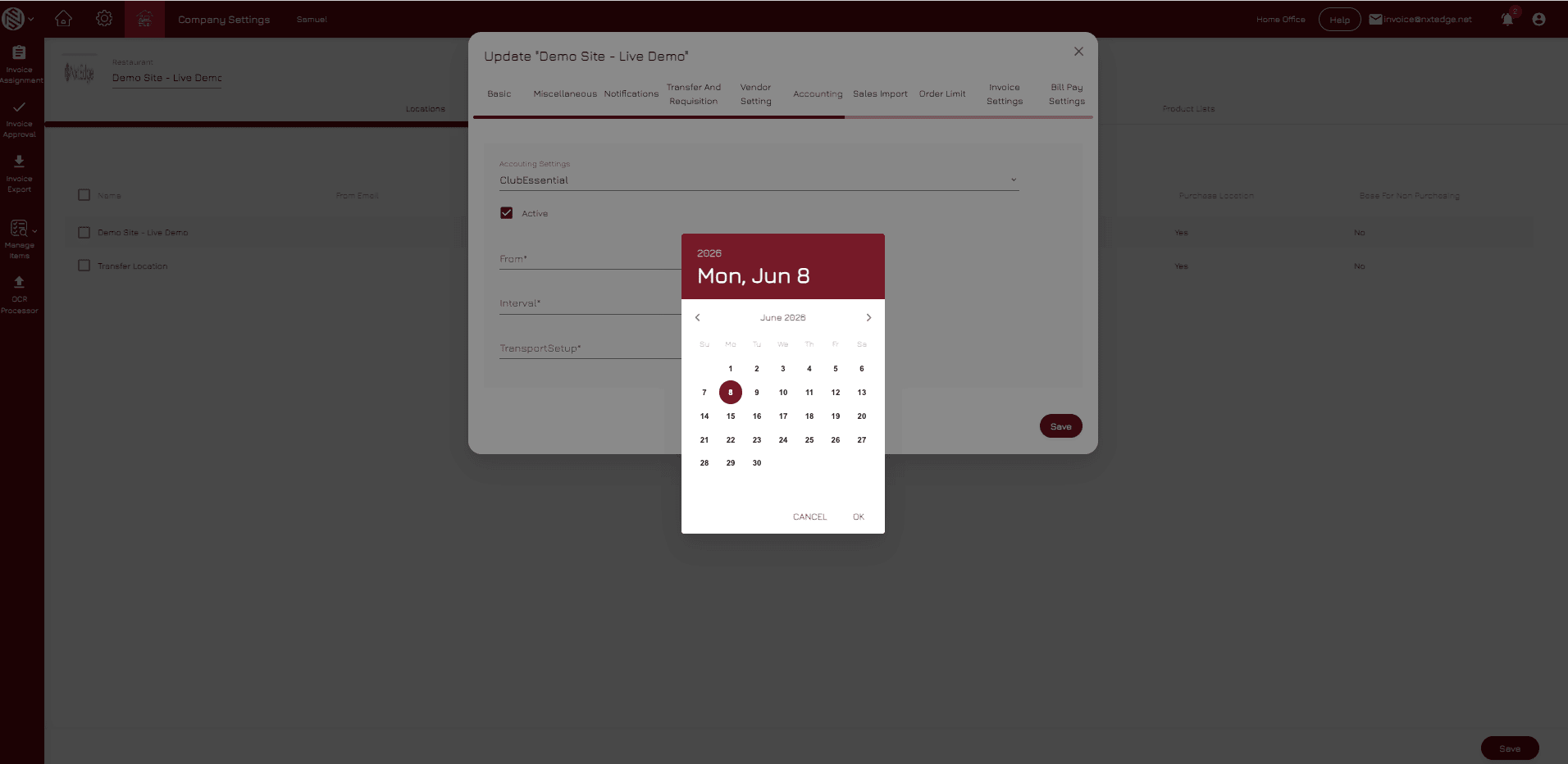
Integration Methods
Connect the Way That Works for You
NxtEdge connects to your accounting system through the method that fits your operation — API, emailed export files, FTP transfers, or manual downloads — with scheduled delivery and custom options available.
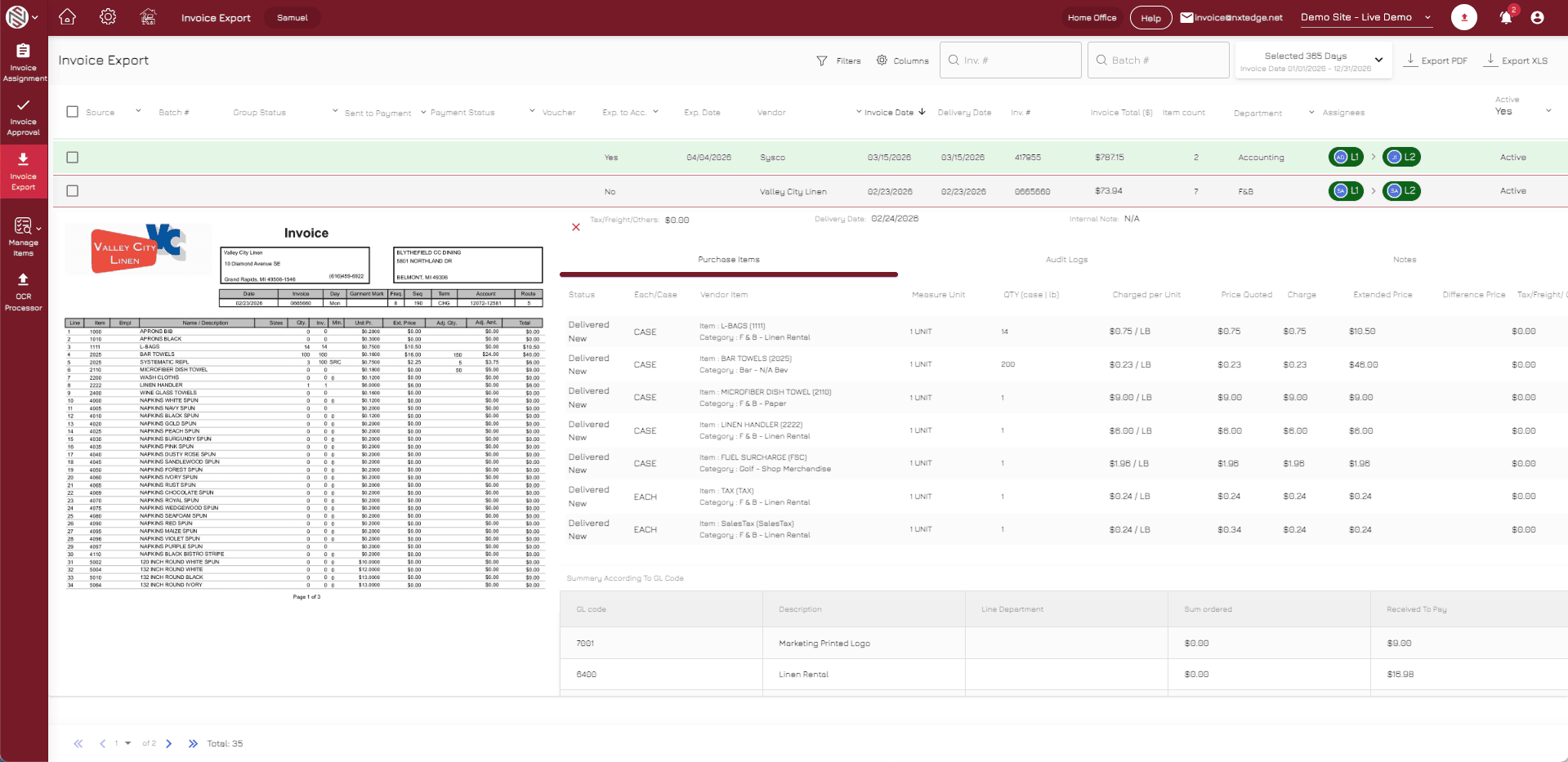
Accounts Payable Integration
Clean Data Straight Into AP
Send approved invoices directly into accounts payable with invoice images, supporting documentation, approval history, and PO matching data — giving your AP team a complete, audit-ready record.
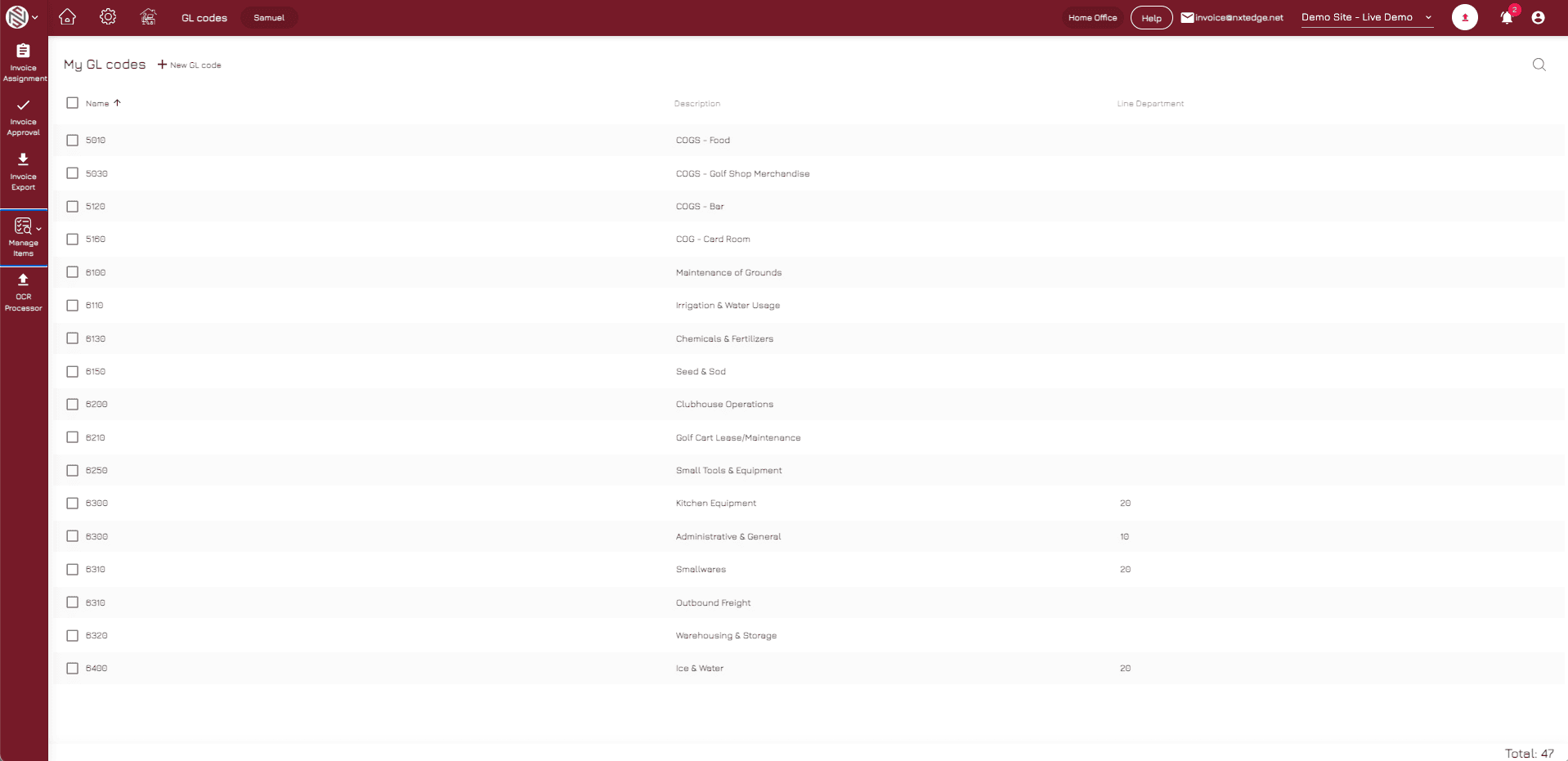
Bill Pay Integration
Keep Payment Status in Sync
Close the loop on every invoice — mark bills paid automatically and track ACH, check, and virtual card payments for full invoice-to-payment visibility across your operation.
One Connected Workflow
Compatible Platforms
Integrates With Leading Accounting Platforms
Don't see your accounting system? Contact us to discuss integration options.
Integration Methods
Multiple Ways To Connect
Not every accounting system works the same way. NxtEdge can deliver accounting data through a method that fits yours.
Our goal isn't to force a specific integration method. Our goal is to get approved, coded invoice data into your accounting system as efficiently as possible.
- Direct API Connections
- Emailed Export Files
- FTP Transfers
- Downloadable Import Files
- Custom Integration Workflows
Connect Operations & Accounting
Automate invoice exports, eliminate duplicate entry, and keep purchasing, AP, bill pay, and accounting connected in one platform.